 Live preview
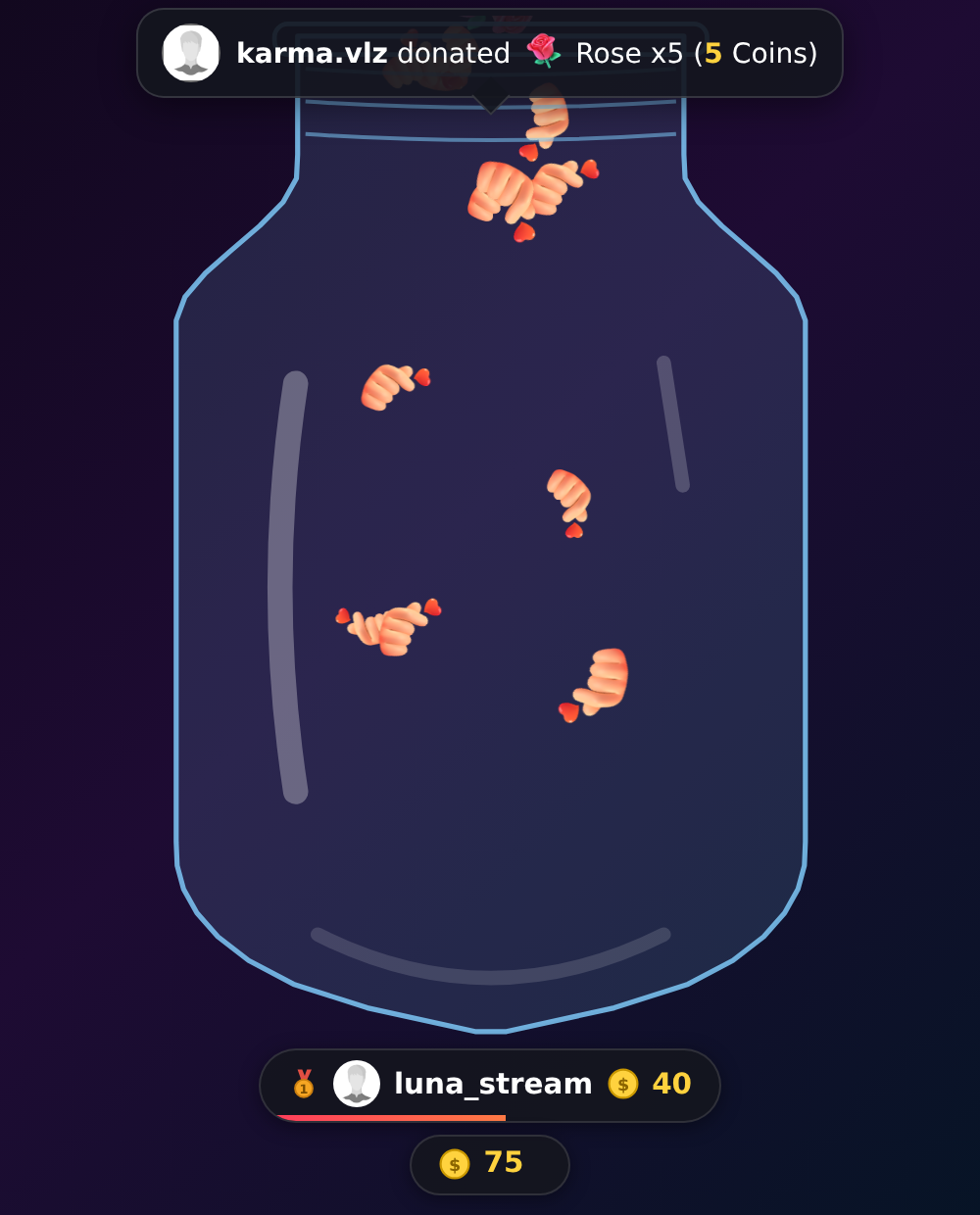
Gift Jar
GiftsEvery gift drops into the jar with real physics. Your viewers watch their gift pile up instantly and compete for the top-donor podium.
The Local Agent connects your TikTok LIVE to on-screen widgets and real actions: jars that fill up with gifts, team battles, epic goals and triggers that press keys inside your games. All in real time.
Runs in browser mode · No weird plugins · Ready in minutes
23+
Ready-made widgets
100%
Real time
0
Plugins to install
Install the Local Agent on your favorite system: one app, the same experience on Windows, macOS and Linux.
Widget marketplace
Pick them from the marketplace, watch them run before enabling them and style them your way. These captures are the real widgets running in demo mode.
Live previewEvery gift drops into the jar with real physics. Your viewers watch their gift pile up instantly and compete for the top-donor podium.
 Live preview
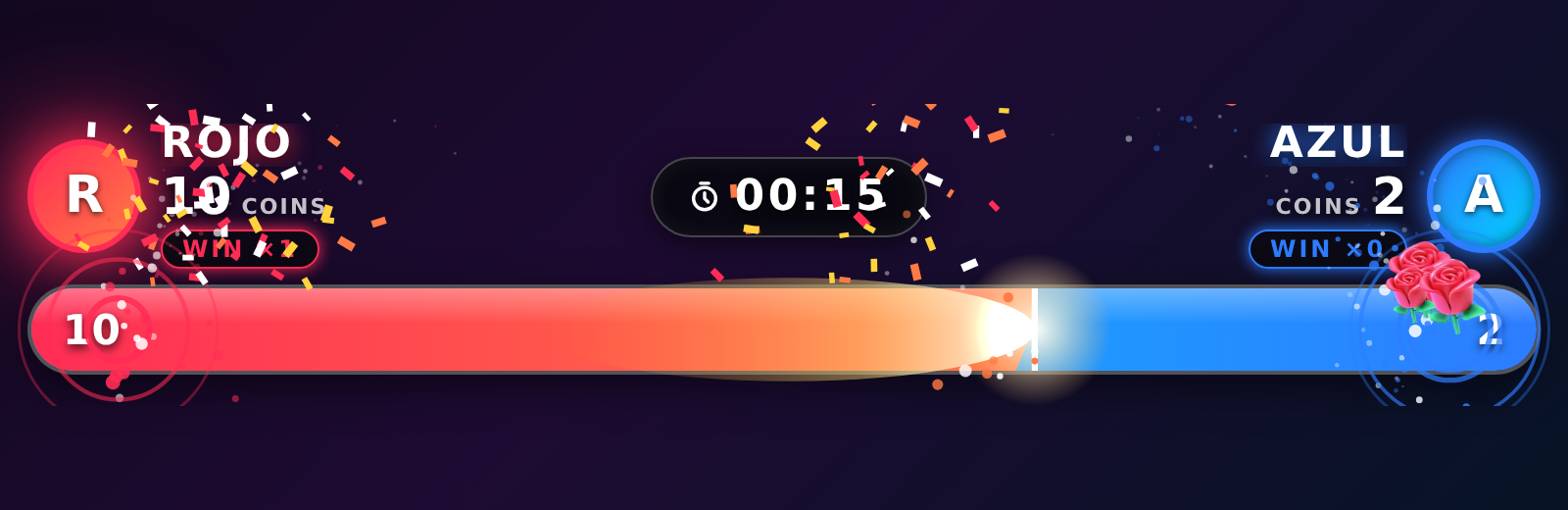
Split your audience into two teams. Gifts score points, with a countdown, win streaks and confetti for the winner.
 Live preview
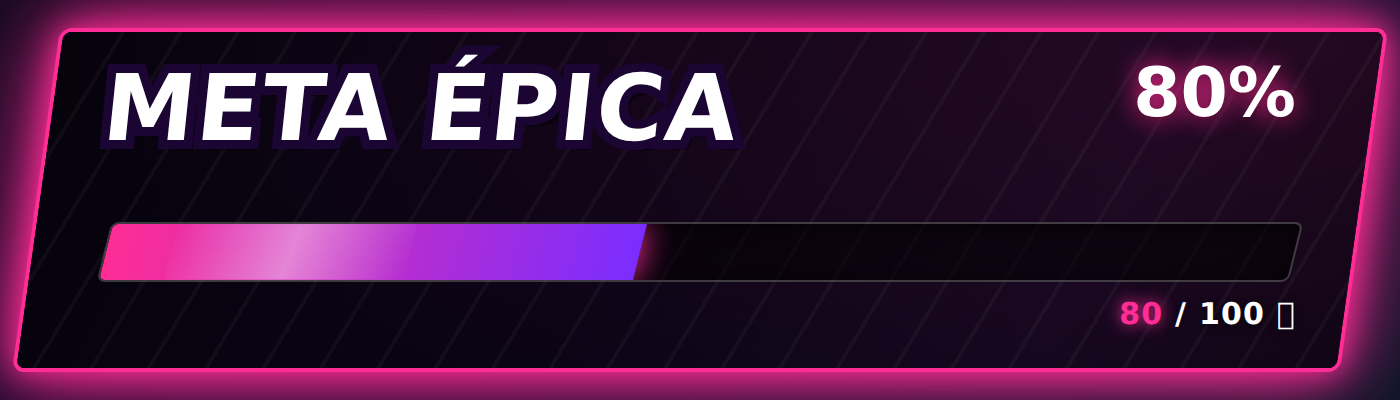
Set a goal for your LIVE and let your community smash it. A neon-style progress bar that celebrates every milestone on screen.
 Live preview
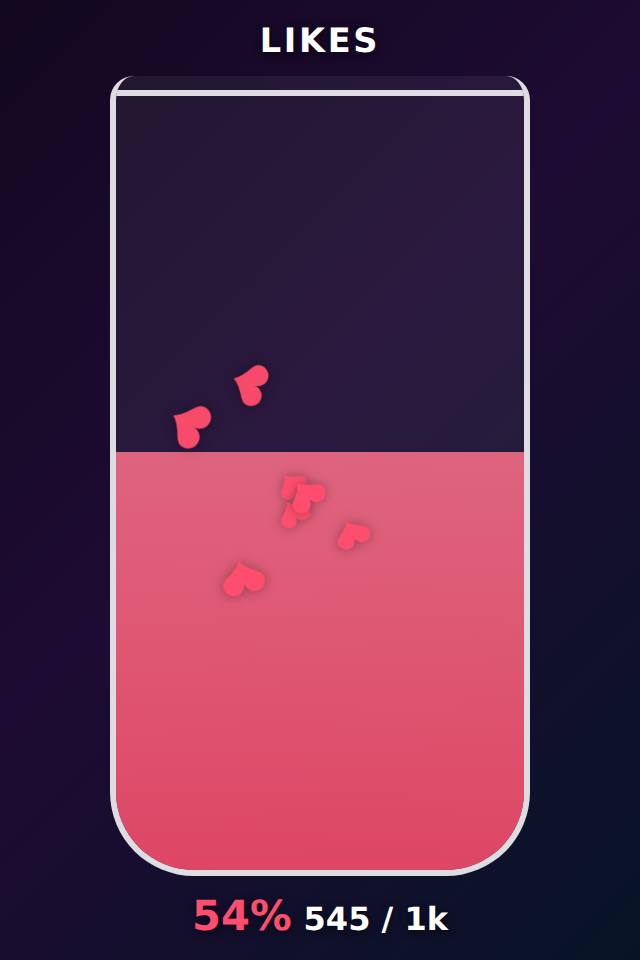
Likes fill the jar with hearts in real time. Perfect for unlocking challenges when your community hits 100%.
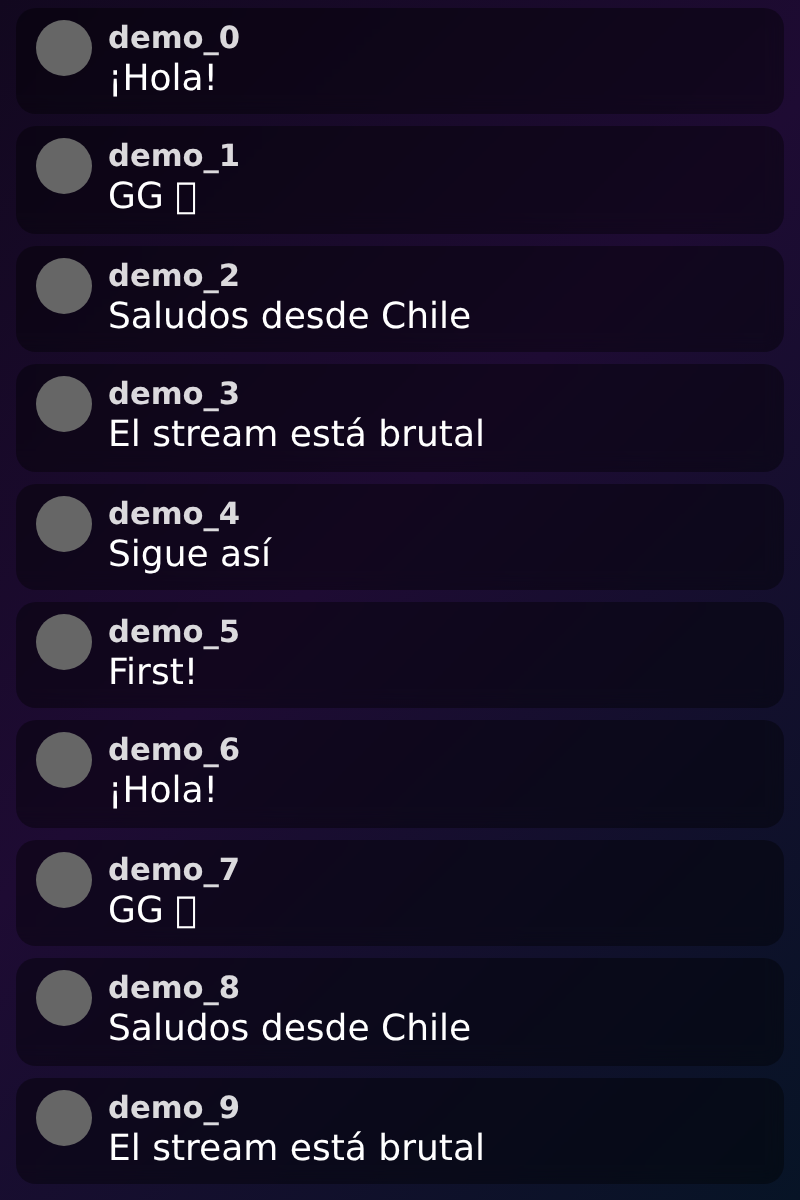 Live preview
Show your TikTok chat on your overlay with clean, readable bubbles, ready for OBS or TikTok LIVE Studio.
Studio
Change colors, texts, goals and styles from the Studio and watch your overlay update instantly — no reloads, no cutting your stream.
Triggers
Set up gift-to-action triggers: a Rose presses a key in your game, a Lion fires an epic on-screen event. Your audience literally plays with you.
Text-to-speech (TTS)
With the Local Agent's text-to-speech, every gift can trigger a voice that reads your viewer's message out loud during your live. Your community isn't just seen on screen — it's heard, and the stream feels like theirs.
Manage your Live
Keep control of what plays out loud on your Live and bring in your team without handing over your account.
Content protection
The Local Agent's content protection filters insults, threats and toxic messages before text-to-speech reads them out on your stream. It runs on AI right on your own machine, it's optional and it understands several languages.
Team moderation
Share a private link with a trusted moderator. From their phone, and without touching your account, they can mute a user from text-to-speech just for this live or forever. You stay focused on your stream.
How it works
No technical skills needed: if you can copy a link, you can use the Local Agent.
Create your TikXander account and connect your TikTok username. Your LIVE events (gifts, likes, chat) arrive instantly.
Browse the marketplace, try every widget with the live preview and style it in the Studio.
Add the widget URL as a browser source in OBS or TikTok LIVE Studio. Done: your overlay reacts on its own.
No. Every widget is a URL you add as a browser source in OBS or TikTok LIVE Studio. The desktop Agent is only needed if you want keyboard triggers in PC games.
Yes. Widgets work in any software that accepts browser sources: OBS Studio, TikTok LIVE Studio, Streamlabs and more.
TikXander works with plans for every creator: pick the plan that fits your stream and unlock widgets, interactive games and advanced features like text-to-speech (TTS).
You connect your TikTok username from the panel and your live events (gifts, likes, follows and chat) reach your widgets in real time.