Interactive game for TikTok Live
Craft Cube for TikTok Live
Play Craft Cube on your TikTok Live. Viewers' gifts, likes and follows control the game in real time. No-code setup with TikXander.
 Roblox
What is Craft Cube?
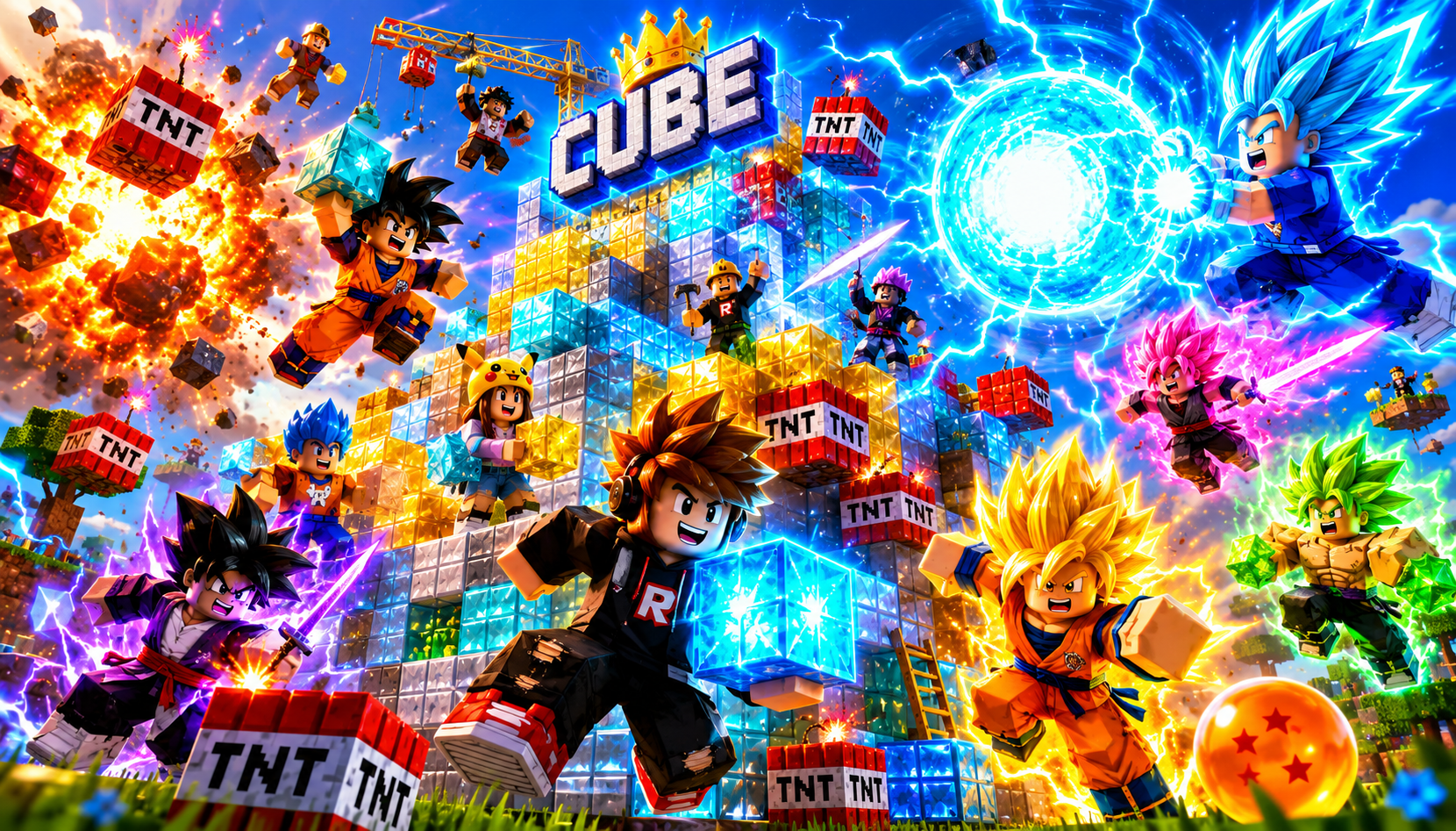
Craft Cube is an interactive game you run on your TikTok Live with TikXander. Your viewers' gifts, likes, follows and comments control the action in real time, turning your stream into a game everyone plays together.
Map each TikTok gift to an in-game action with no code, customize the experience, and start your Live in minutes. Craft Cube works in the browser and with the TikXander desktop app.
How Craft Cube works with TikTok gifts
1
Connect your TikTok Live
Sign in to TikXander and connect your TikTok account. Craft Cube reads your live events automatically.
2
Map gifts to actions
Assign each TikTok gift, like or follow to an action inside Craft Cube. No code required.
3
Go live and play
Start your Live and your viewers control Craft Cube in real time with their gifts.
Why play Craft Cube on TikTok Live
- Boost engagement: viewers stop lurking and start playing Craft Cube with you.
- Increase gifts: every gift visibly changes Craft Cube, so viewers send more.
- No code, no complex setup — ready in minutes.
- Runs in the browser and as a desktop app, in 10 languages.
Frequently asked questions
Do my viewers need to install anything to play Craft Cube?
No. Viewers just watch your TikTok Live and send gifts, likes and follows — Craft Cube reacts on your stream.
Which TikTok gifts control Craft Cube?
You decide. Map any TikTok gift, like or follow to any action in Craft Cube from the TikXander dashboard.
Do I need a gaming PC to run Craft Cube?
No. Craft Cube runs through TikXander in the browser or with a lightweight desktop app.
How much does it cost to play Craft Cube?
TikXander plans start from about $2, so you can try Craft Cube and the full catalog before subscribing monthly.